Link a Utility Account on MySouthaven
Follow the directions below to link a utility account to your MySouthaven profile:
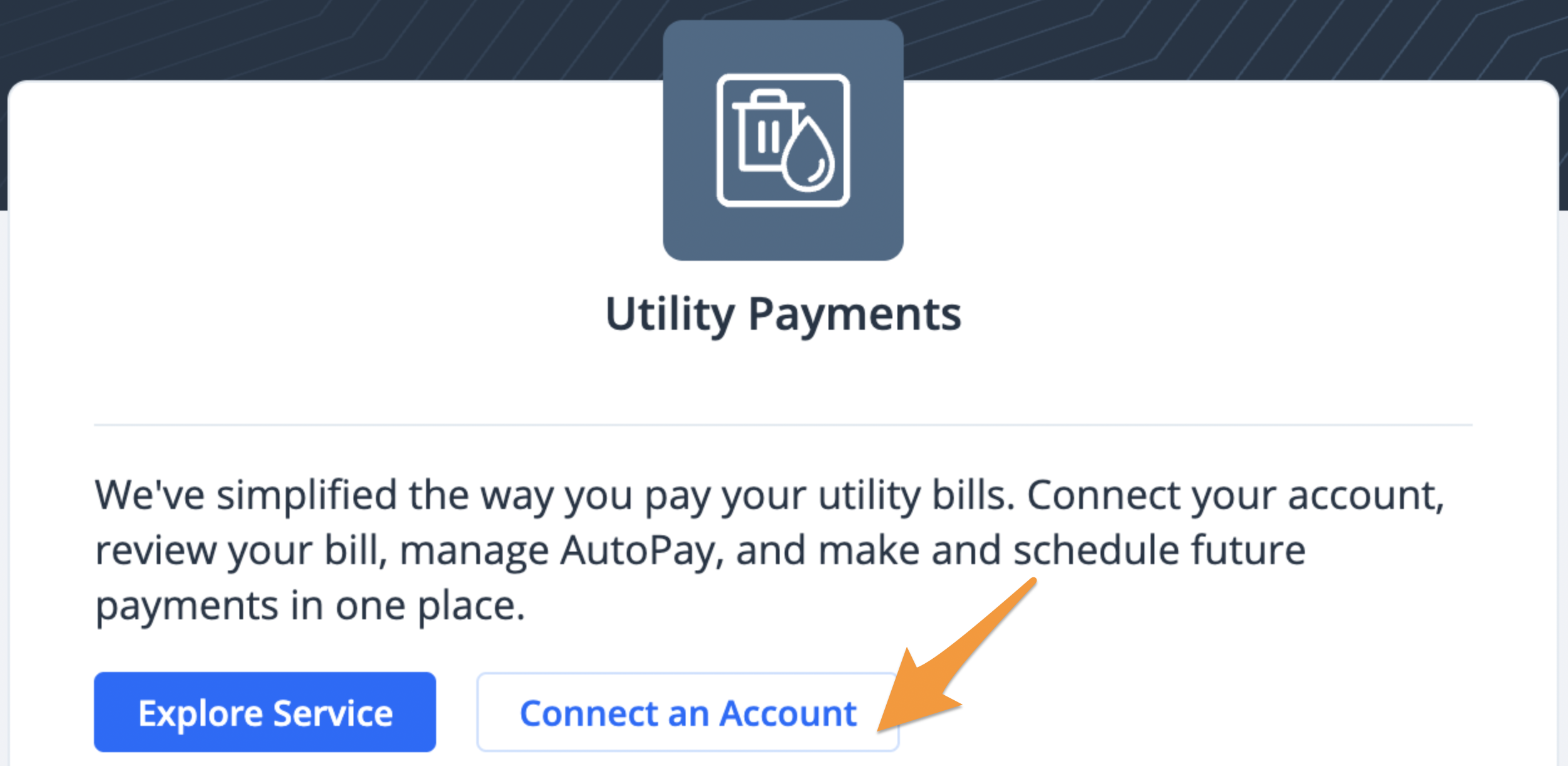
- Log in (see Create a Profile on MySouthaven) and click Connect an Account under "Utility Payments"
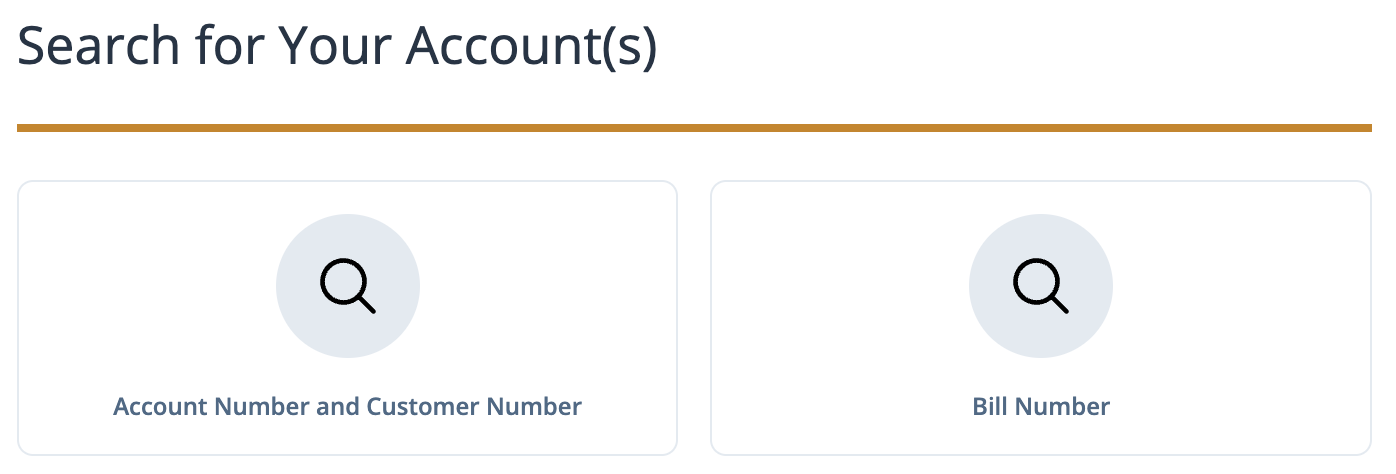
- Search for your utility account by "Account Number and Customer Number" or "Bill Number"
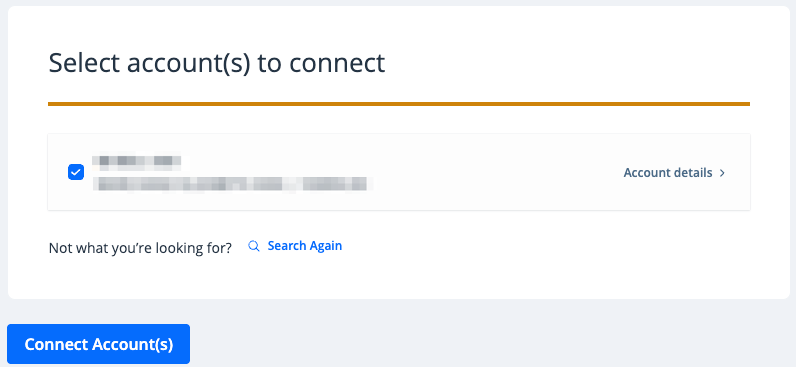
- The results of your search will be displayed. Confirm this is the correct utility account and connect it to your profile by clicking Connect Account(s). If something does not look right, click Search Again.